
Resources · Check and organise
Digitise Important Documents with a Searchable Naming and Backup System
Create readable copies, retain the originals and test whether your naming and backup arrangement can recover the right document.
- Readable copies
- Searchable names
- Tested recovery
Practical guide · illustrative arrangement
Choose what to digitise and what to preserve
Digitising important papers can make them easier to find and share, but scanning is only one part of the job. A blurred file with an automatic filename and no backup may be less useful than an orderly paper folder. Begin by listing the documents you need, their owners and the tasks they support.
Separate current practical records from family-history material and temporary paperwork. Decide which items contain sensitive information and who may access them. Keep original papers after scanning unless the relevant authority's rules clearly permit a different approach. A digital copy may not replace an original for an official transaction.
The U.S. National Archives advises retaining originals because digital files have preservation risks of their own. That guidance also emphasises careful handling during capture. Treat scanning as a way to improve access while protecting the source, rather than a reason to feed every fragile paper through the nearest machine.
Capture complete, readable pages
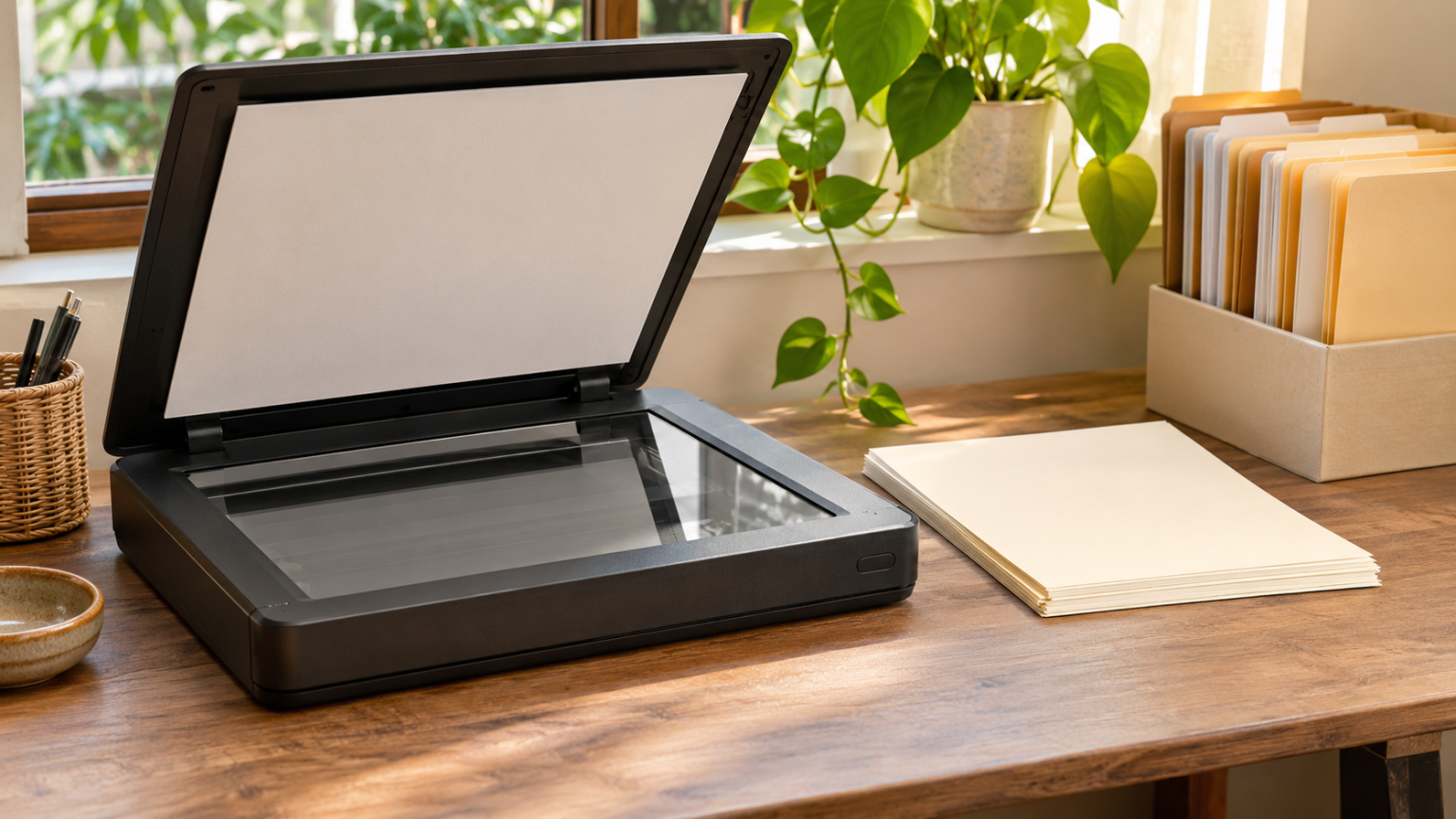
Work on a clean surface and inspect the document before scanning. Capture the entire page, including margins, seals and reverse sides that contain information. Keep pages in their correct order. Use a stable, evenly lit arrangement if taking photographs and avoid glare, shadows and fingers covering the text.
Do not force a bound book flat or push a fragile sheet through an automatic feeder. The National Archives recommends appropriate supports and warns about damage from unsuitable equipment. For valuable or damaged material, seek suitable preservation advice rather than trading speed for avoidable harm.
Choose settings that make the smallest necessary text readable and meet any receiving authority's requirements. There is no single resolution or format suitable for every document and purpose. Check the saved file at a useful viewing size before returning the original to storage; discovering a missing edge months later creates unnecessary repeat work.
Use searchable text without trusting it blindly
Optical character recognition can add a text layer to a scanned document, making names and phrases easier to search. It does not make the transcription automatically accurate. Check dates, amounts, identity numbers and Urdu or other script against the page image, especially before copying them into a form.
Keep the scan as the visual record and treat extracted text as a finding aid. If you correct OCR in a working copy, preserve the unchanged capture separately. Do not edit the image of an official document to make a discrepancy disappear. Corrections to the underlying record belong with the issuing authority.
Test search with a few distinctive words you can see on the page. If the file does not support OCR or the results are poor, a descriptive filename and index can still make it discoverable. Searchability should be an additional route to the document, not the only route.
Name files for retrieval rather than appearance
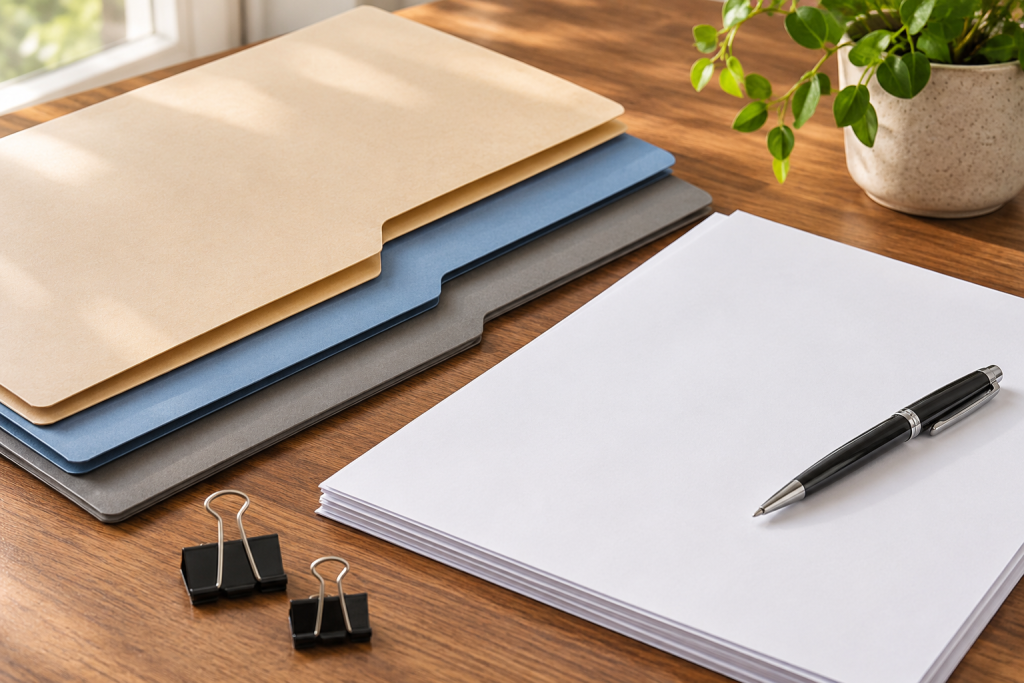
Choose a consistent pattern such as document date, owner label, document type and version. Use a neutral internal label rather than placing a full CNIC or passport number in every filename. Keep names concise enough to read and distinct enough to separate similar records.
A hypothetical filename could be “2026-09_studentA_transcript_scan-v1.pdf”. The date should have a defined meaning, such as the document's issue date; if you use scan date instead, say so in the index. Do not invent a date for an undated paper. A clear “undated” label is more honest than false precision.
Avoid folders full of “final”, “final-new” and “latest-final”. Use version labels and a short note explaining which copy is the preserved scan, which is a compressed submission copy and which has authorised redaction. A filename does not change a document's legal status, but it can prevent the wrong copy being sent.
Build a small index and access arrangement
An index can include document label, issue date, owner, file location, original-paper location and renewal or follow-up date. Keep it private if it reveals personal circumstances. You can create a less detailed version for family coordination without exposing the entire collection.
Use folders that reflect how you will look for records: by person, subject or transaction. Choose one main scheme and document it briefly. Deep nesting can make files harder to find, especially on a phone. Try retrieving a record from the index before committing to a complicated structure.
Restrict sensitive folders and review who has access. If using cloud storage, understand sharing and recovery settings rather than assuming synchronisation creates privacy automatically. Keep credentials outside the index. If a trusted person may need access in an emergency, agree a secure and lawful arrangement appropriate to your circumstances.

Create backups that survive a single failure
A second folder on the same device is not a dependable response to losing that device. Keep copies on separate storage and, where practical, in a separate location. The National Archives describes a 3-2-1 approach: three copies, two media types and one off-site copy. Adapt the arrangement to the sensitivity and value of your records.
Synchronisation and backup have different roles. A synchronised deletion or corrupted file can spread to other devices, depending on the service. Understand version history, recovery periods and offline copies. Do not rely on a feature you have never checked as the only way to recover important papers.
Protect backup media and account access. An unencrypted portable drive containing every identity record can create a new problem if lost. Use suitable protection and keep the recovery information securely available to the authorised person. A backup that nobody can unlock when needed is not a complete recovery plan.
Run a retrieval exercise before expanding the system
After digitising a small group of records, ask whether you can find the correct version without opening every file. Search by the name you expect to remember and then use the index. If both routes fail, revise the description before scanning a much larger collection.
Check a document with several pages as well as a simple one-page record. Missing reverse sides, repeated pages and inconsistent orientation can remain hidden in a folder that looks complete. Correct the capture while the original is readily available, preserving a clear version history.
Try the recovery exercise from the device or location you would actually use after a loss. A backup accessible only through a password stored on the lost laptop may reveal an avoidable weakness. Improve the recovery arrangement before treating the collection as finished.
Test recovery and maintain the collection
Choose a harmless sample and restore it from the backup to a separate location. Open it, inspect its pages and confirm that the index points to the correct original. This checks the process rather than merely confirming that a backup folder exists. Repeat after important changes to the storage arrangement.
Review records periodically for readability, obsolete sharing and upcoming renewal dates. The Library of Congress recommends checking personal digital records and managing copies in different places. Keep a brief maintenance note so future you knows when the collection was last checked and what remains unfinished.
When sending a document, prepare only the copy required for the purpose and use the recipient's approved channel. Preserve your master scan privately. A good digitisation system joins careful capture, useful description, controlled access and tested recovery; scanning alone cannot supply all four.
Frequently Asked Questions
Can I discard originals after scanning?
Do not assume so. Retain important originals and check the relevant authority’s requirements.
Is OCR text always accurate?
No. Verify important words, dates and numbers against the page image.
Is cloud sync the same as backup?
Not necessarily. Understand deletion, version and recovery behaviour and keep an appropriate independent copy.
How do I know a backup works?
Restore and open a sample file through the actual recovery process.
How we know this
- Type Practical guide
- Sources 4 (3 official/academic)
- Reviewed November 2026
- Disputed points None
4 sources
- Digitising family papers and photographs, U.S. National Archives
- Keeping personal digital records, Library of Congress
- Personal digital archiving and scanning, Library of Congress
- File access and sharing controls, Google Drive Help
